 Domains SearchSearch available domain names and claim yours in just a few clicks.
 .GH DomainsFind and register a trusted .gh domain for your business or idea.
 Web HostingAffordable web hosting solutions designed for performance, uptime, and scalability.
 cPanel HostingManage your website without the stress. cPanel hosting gives you everything in one place.
 Reseller HostingCreate, manage, and grow your hosting clients using reliable reseller hosting tools.
 Windows HostingWindows hosting that works smoothly with Microsoft frameworks and applications.
 Email HostingProfessional email hosting that keeps your business communication reliable and secure.
 WordPress HostingFast and secure WordPress hosting optimized for smooth performance and easy management.
 Affiliate ProgramEarn commissions by referring customers to our hosting and domain services.
 .COM Domains
 All DomainsFind the right Ghana domain for your brand and lock it in fast.
 Domain TransferMove your domain to us with a smooth, secure transfer process.
 Whois LookupCheck domain ownership and registration details instantly with our WHOIS lookup.
 SSL CertificatesSecure your website and protect your visitors with trusted SSL certificates.
 VPS HostingUpgrade to VPS hosting today and enjoy better speed, uptime, and flexibility.
 Managed VPSManaged VPS for businesses and developers who want full control without server management worries.
 Dedicated ServersGet maximum speed and reliability with dedicated servers built for serious websites and apps.
 AI Website BuilderStart your website today with our AI builder and go live in minutes.
 Online ShopStart selling online today with your own professional online shop.
 Web Design ServiceProfessional web design services that make your brand stand out online.
 Local SEO
 BlogHelpful articles, tutorials, and updates for building your online presence.
 Contact UsNeed help or more information? Connect with us anytime.
A business email address usually runs on the company’s own domain, something like [email protected], rather than a free provider like Gmail or Yahoo.
That one small detail, using your own domain instead of a shared one, is often what separates a message that looks official from one that looks like it could have come from anyone.
The part before the @ deserves some thought too.
It should be clear, professional, and easy to remember, since it is often the first thing a client, supplier, or job applicant sees before they even open the message.
A confusing or overly casual address can undercut an otherwise solid email before a single word of the message gets read.
Below are business email address examples organized by role, so you can pick a format that fits your position or the function your team handles.
Whether you are a founder writing to a big client or a support desk answering ten tickets a day, the right address format helps.
One quick note before diving in: none of this works without two things in place first, a domain name and an email hosting service.
The domain gives you the part after the @, and the hosting service is what actually stores, sends, and receives your mail.
Once those two pieces are sorted, you can create as many addresses as your plan allows.
It also helps to think of these examples less as a rigid rulebook and more as a starting menu.
Most businesses end up mixing and matching, a founder’s personal address here, a shared departmental inbox there, and a couple of general contact addresses for anyone unsure where their message belongs.
There is no single correct setup, only the one that fits how your team actually works and how your customers expect to reach you.
Business Email Address Examples
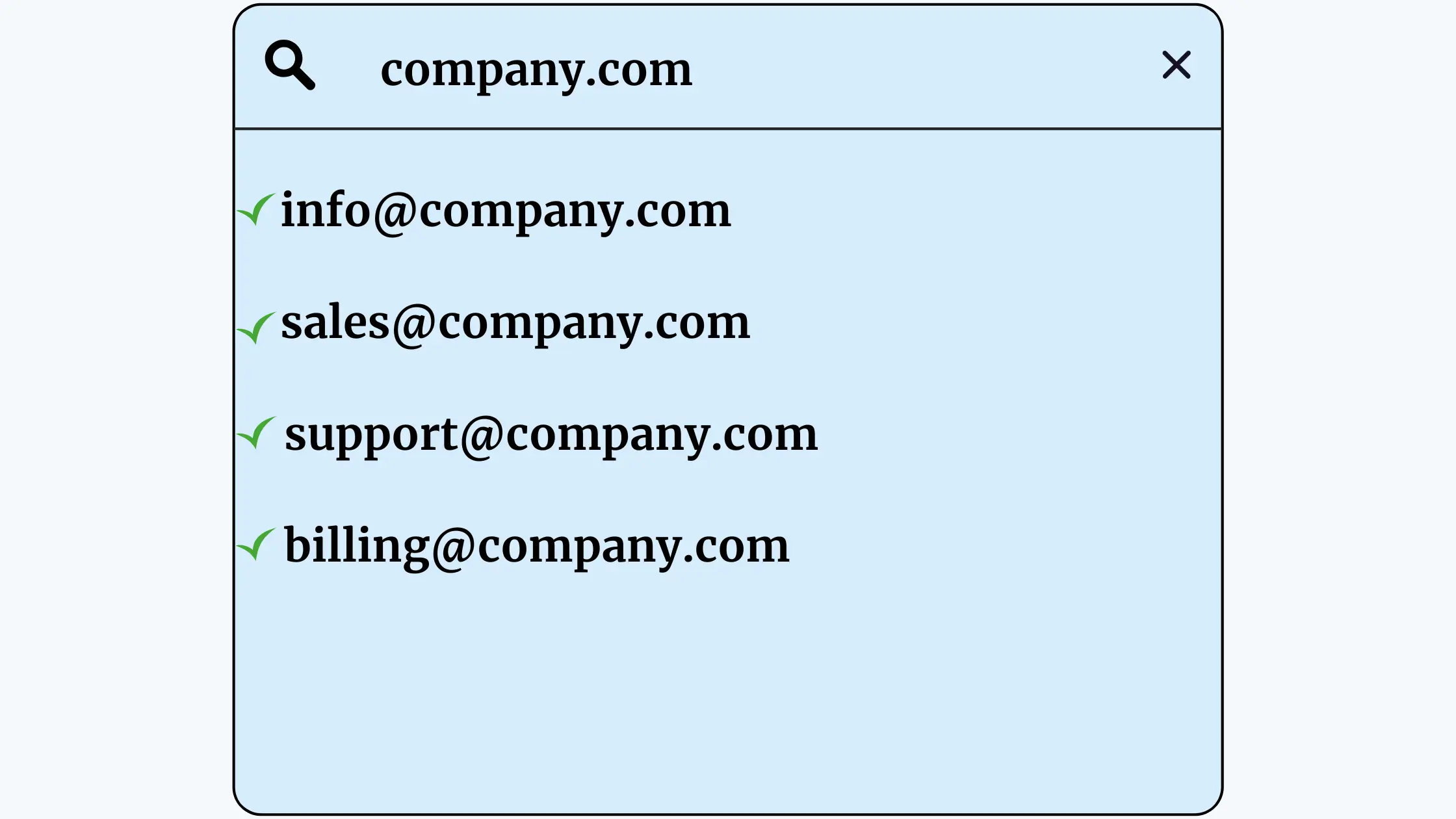
1) Business Owner / Founder
Examples:
Best use: these addresses draw a line between personal communication from the owner and general company communication.
A founder writing directly to an investor or a long-standing client might use [email protected], while anything meant to represent the company as a whole is better handled through a general or departmental address instead.
2) Managing Director / General Manager
Examples:
A role-based address like [email protected] has a practical advantage: it stays useful even if the person in that role changes.
Anyone writing to the MD can use the same address year after year, regardless of who currently holds the title.
3) Sales Team
Examples:
A shared sales@ address makes sense when leads come in from a website form or general enquiry and any available salesperson can respond.
It also means a customer’s history stays with the company rather than disappearing if one salesperson leaves.
Individual addresses like [email protected] work better once a client has an established relationship with a specific person and expects to keep dealing with them directly, such as an account manager handling a long-term contract.
4) Customer Service / Support
Examples:
These addresses tell a customer exactly what to expect, help with a problem, not a sales pitch or a general enquiry.
Keeping support separate from sales also makes it easier to track response times and measure how the team is performing.
5) Marketing Team
Examples:
Marketing addresses often double as the inbox for partnership requests, sponsorship enquiries, and media collaborations, so it helps to have someone checking them regularly rather than letting them sit unattended.
6) Human Resources
Examples:
Splitting careers@ or recruitment@ from the general hr@ inbox keeps job applications from getting buried under internal HR work like leave requests or payroll questions.
7) Finance / Accounts
Examples:
A dedicated billing@ or invoices@ address gives clients one place to send payment confirmations and query charges, without those messages getting mixed into a general inbox where they could be missed.
8) Information Technology / Technical Team
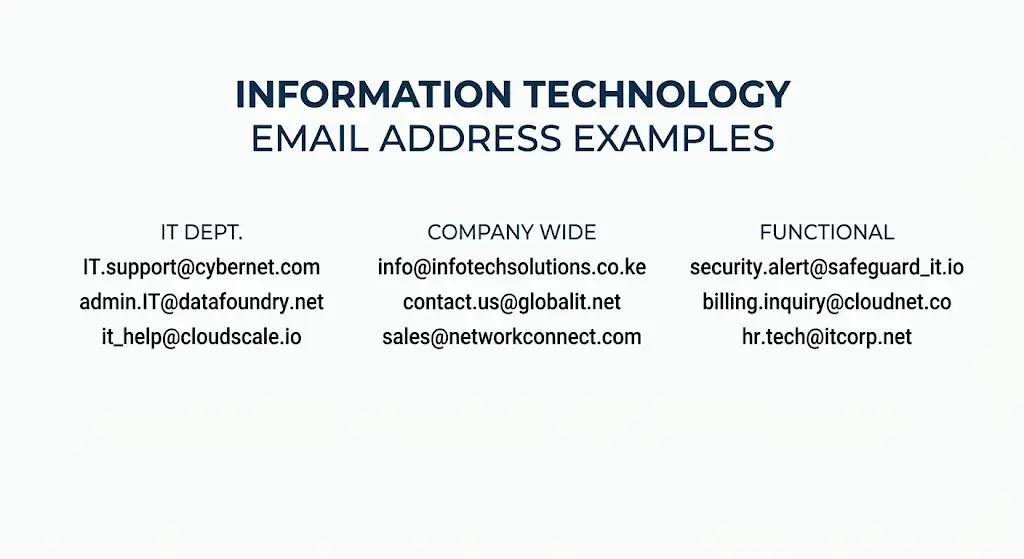
Examples:
These email addresses tend to handle everything from password resets to server issues, so it is worth having more than one person with access in case the usual contact is unavailable.
9) Operations Team
Examples:
Operations addresses often become the catch-all for logistics, scheduling, and day-to-day running of the business, the kind of messages that do not neatly belong to sales, finance, or support.
10) Public Relations / Communications
Examples:
Journalists and media contacts expect a straightforward address like press@ or media@ rather than having to dig around for the right person.
So keeping this address active and monitored is critical for anyone doing press outreach.
11) Legal Team
Examples:
A legal@ or contracts@ address is often the first point of contact for partners, regulators, or anyone sending formal documentation, so it helps to keep it separate from general business correspondence.
12) General Business Contact
Examples:
These addresses are useful whenever a message does not need to go directly to a particular employee or department.
A visitor to your website, for example, often just wants a way to reach someone at the company, and a general address covers that without forcing them to guess who to contact.
13) Small Business
A small business rarely needs more than a handful of addresses to start.
These four cover general enquiries, sales conversations, customer problems, and direct contact with the owner, without overcomplicating things before there is a team to justify it.
14) E-commerce Business
Online stores benefit from splitting orders@ and returns@ from general support, since order confirmations and return requests tend to follow their own workflow and often get handled by different tools or staff.
15) Consultancy
Consultancies often lean on a more personal setup, since clients are usually working with a specific consultant rather than a faceless department.
An appointments@ address can also take the back and forth out of scheduling calls or meetings.
16) School or Training Business

Education-related businesses tend to get a steady flow of enquiries about joining or applying, so a dedicated admissions@ address keeps those messages separate from general questions or fee payments handled through accounts@.
17) Nonprofit Organization
Nonprofits usually deal with three distinct groups of people, donors, volunteers, and program participants, and giving each one its own address makes it far easier to route messages to the right team quickly.
How to Choose a Business Email Address
Picking the right format is not just a branding decision, it affects how easy your addresses are to use day to day.
Here are a few things worth keeping in mind.
1) Keep it short
Long addresses are harder to type, harder to remember, and more prone to typos when someone is reading them off a business card or repeating them over the phone.
If you can say it out loud without stumbling, it is probably a good length.
2) Make the purpose clear
An address like billing@ immediately tells the recipient what it is for, no explanation needed.
The clearer the purpose, the less confusion there is about where a message should go.
3) Use consistent naming
If your employees use the [email protected] format, stick with it across the whole team.
Mixing formats, some people using first names, others using initials or nicknames, makes the company look disorganized and makes addresses harder to guess correctly.
4) Avoid unnecessary numbers and characters
Formats like [email protected] or [email protected] are harder to dictate and remember than a clean [email protected].
Numbers and extra characters tend to creep in only when a name is already taken, so it is worth having a backup naming plan (like adding a middle initial) rather than defaulting to random digits.
5) Use your business domain
There is a real difference between [email protected] and [email protected].
The first tells anyone reading it that the company either has not set up proper email yet or is not investing in one.
The second signals an established, branded business with its own infrastructure.
For anything beyond a very early-stage side project, the domain-based address is worth the small extra effort to set up.
6) Consider future employees
Whatever naming convention you settle on now, imagine it with fifty employees instead of five.
A [email protected] format eventually runs into duplicate names, so it helps to plan ahead, maybe [email protected] from the start, or a clear rule for what happens when two people share a first name.
How to Create a Business Email Address
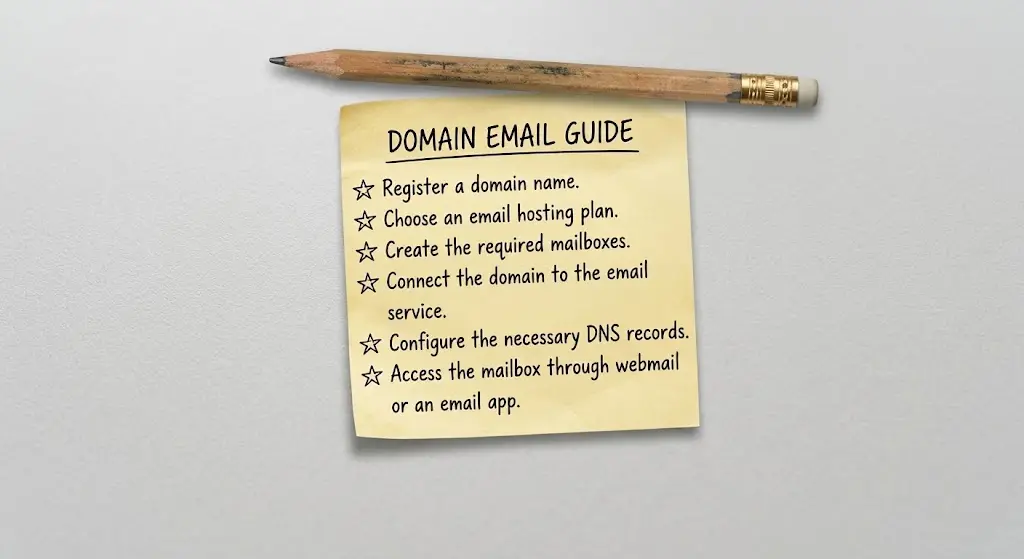
Setting one up is a fairly short process once you know the steps:
- Register a domain name.
- Choose an email hosting plan.
- Create the required mailboxes.
- Connect the domain to the email service.
- Configure the necessary DNS records.
- Access the mailbox through webmail or an email app.
None of these steps demand deep technical knowledge on their own, though the DNS step is where most people get stuck if they are doing it for the first time.
Most hosting providers offer guides or support to walk through it, so it is rarely something you have to figure out alone.
Once the first mailbox is working and mail is flowing both ways, adding the rest of your team’s addresses is usually just a case of repeating the same few clicks in the control panel.
Bringing It All Together
Business email addresses generally fall into three broad types: personal addresses tied to a specific person, departmental addresses shared across a team, and function-specific addresses built around a single purpose like billing or support.
Which mix you use depends on the size of your business, how many people are handling incoming mail, and how much you want a message to be tied to an individual versus a role.
Whatever combination you choose, the naming convention you pick early on should still make sense once the company has grown well beyond its current size.
A format that works cleanly for five people can fall apart at fifty if it was never built with that growth in mind.
So it is worth spending a little time getting this right before addresses are handed out across the whole team.
All of this, though, depends on having a custom domain and a working email hosting setup behind it.
Without those, addresses like [email protected] or [email protected] simply are not possible.
And you are stuck choosing between a crowded personal inbox or a free address that does little for your brand.
If you are in Ghana and ready to move your business onto proper, branded email addresses, Truehost’s email hosting plans give you the mailboxes, storage, and tools needed to set up the kind of addresses covered in this article.